Detect and Crop
Ultralytics Object Cropping detects objects and writes each bounding-box crop to disk. This tutorial makes the inference, crop side effect, and final rendering explicit pipeline steps.
| Before | After |
|---|---|
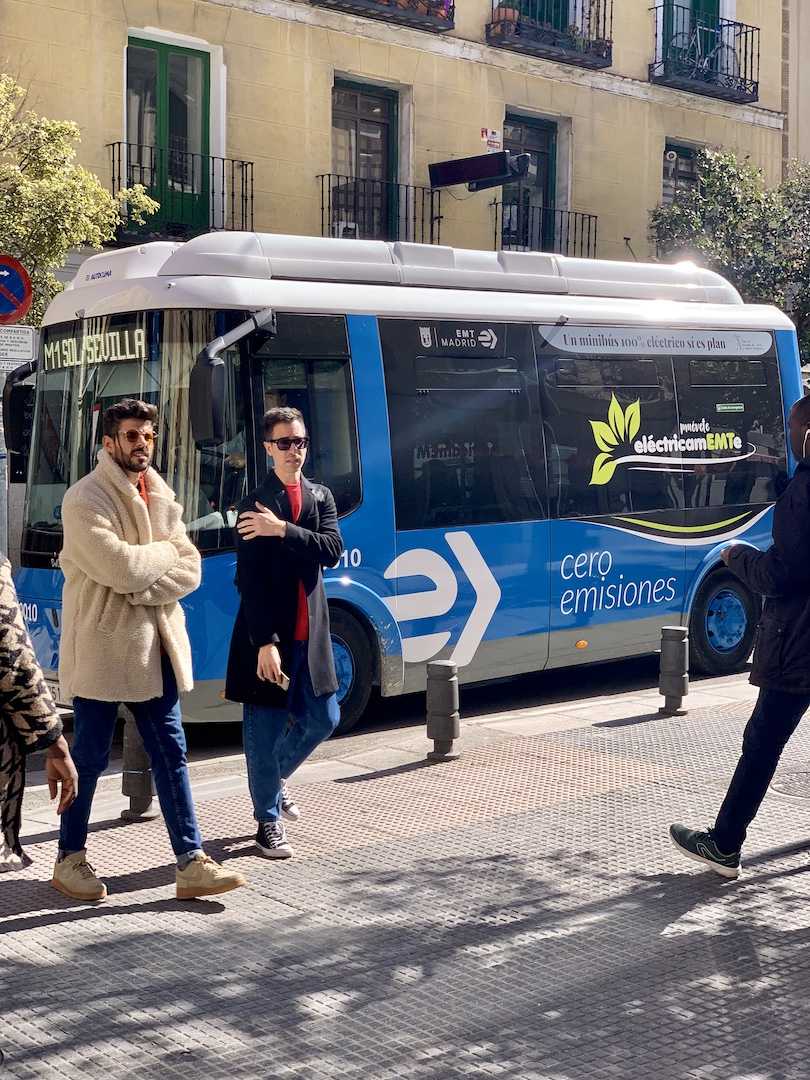 |
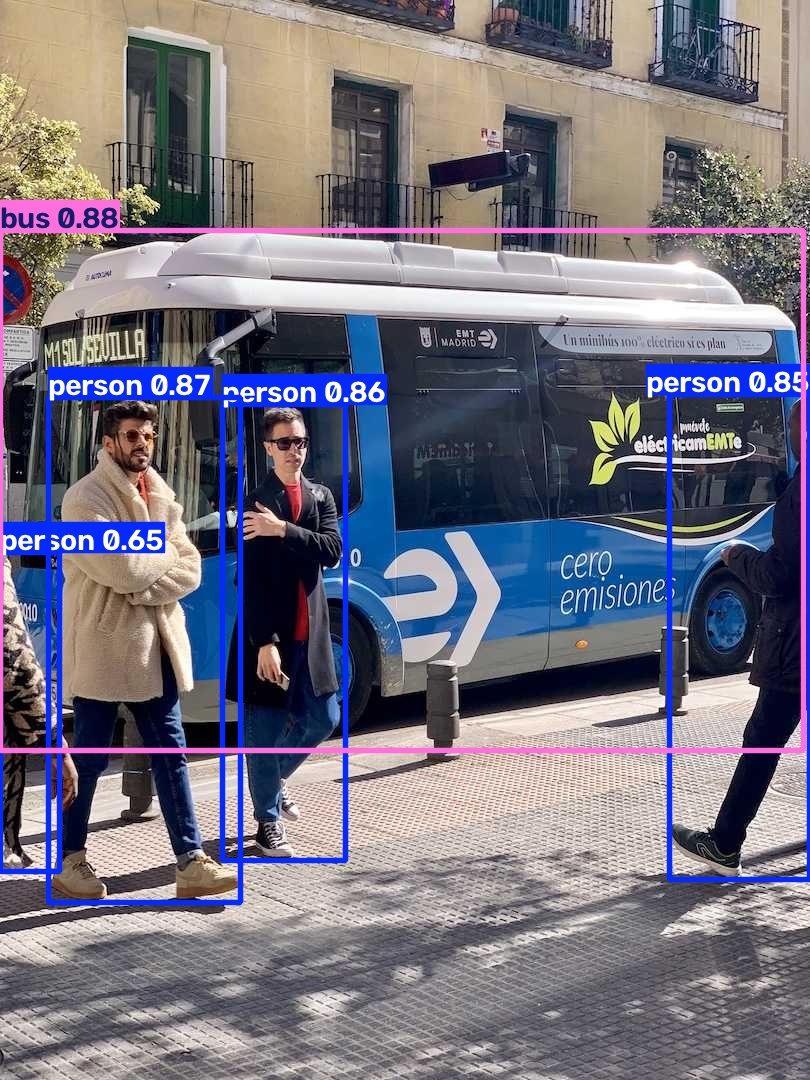 |
Build the pipeline
yolo.Predict returns native list[Results]. A single image still produces a
list, so Select(0) makes the one native result available to the following
operators. results.SaveCrop is a side effect: it saves crops and passes that
same Results object to results.Plot.
from pathlib import Path

from ml_pipes.core import Pipeline
from ml_pipes.standard import Select
from ml_pipes.ultralytics import results, yolo

pipeline = Pipeline(
    [
        yolo.Predict(model="yolo26n.pt", conf=0.25),
        Select(0),
        results.SaveCrop(Path("crops")),
        results.Plot(save=True, filename="annotated.jpg"),
    ],
    auto_validate=True,
)
Run it on an image
The pipeline accepts the BGR array decoded by OpenCV and returns the annotated BGR array. Crop writing and annotated-image saving happen inside their configured result operators.
import cv2

image = cv2.imread("bus.jpg")
if image is None:
    raise RuntimeError("Could not load bus.jpg")

annotated = pipeline(image)
print(annotated.shape)
The bus and person directories below are produced by the SaveCrop step.
bus/im.jpg |
person/im.jpg |
|---|---|
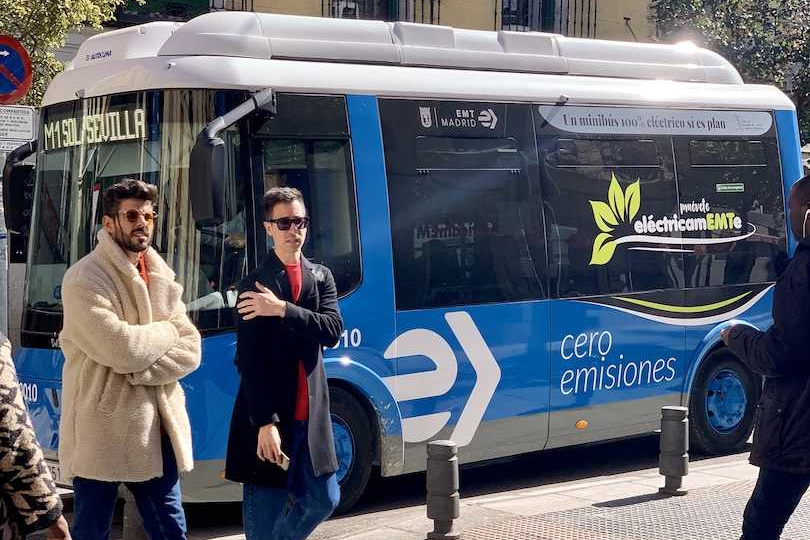 |
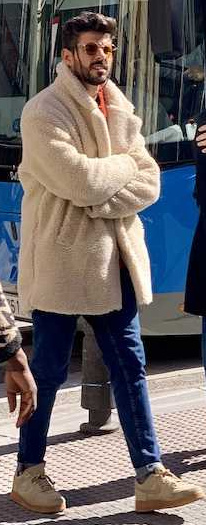 |
Run the example
python examples/run_detect_and_crop.py
python examples/run_detect_and_crop.py --source path/to/image.jpg --show
See run_detect_and_crop.py
for all command-line options.