Detect Objects on Video
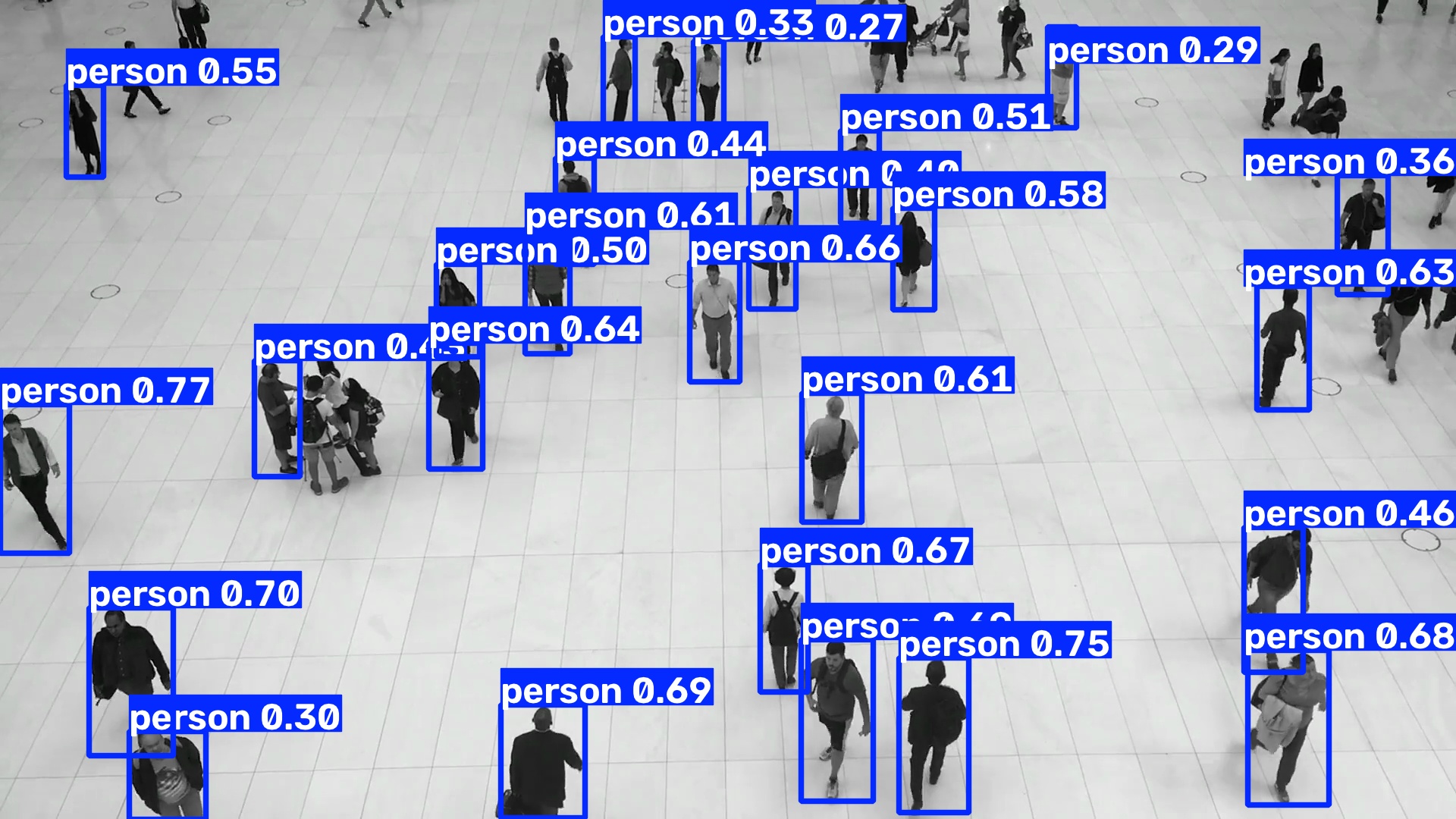
Ultralytics predict mode can consume a video directly. In a pipeline, an explicit OpenCV loop instead owns decoding, scheduling, display, and output. The pipeline remains a simple, non-streaming transformation from one BGR frame to one annotated BGR frame.
Build the frame pipeline
The pipeline is constructed once and reused for every frame. yolo.Predict
returns native results, Select(0) chooses the result associated with the
current frame, and results.Plot returns an image suitable for a video writer.
from ml_pipes.core import Pipeline
from ml_pipes.standard import Select
from ml_pipes.ultralytics import results, yolo

pipeline = Pipeline(
    [
        yolo.Predict(model="yolo26n.pt", conf=0.25),
        Select(0),
        results.Plot(),
    ],
    auto_validate=True,
)
pipeline.validate()
pipeline.describe()
Feed frames to the pipeline
VideoCapture produces one BGR frame at a time. The returned annotated frame
can be displayed, written, or passed to more application-specific processing.
import cv2

cap = cv2.VideoCapture("people-walking.mp4")
if not cap.isOpened():
    raise RuntimeError("Could not open people-walking.mp4")

while cap.isOpened():
    success, frame = cap.read()
    if not success:
        break

    annotated = pipeline(frame)
    # video_writer.write(annotated)
    # cv2.imshow("Detection", annotated)

cap.release()
Run the example
python examples/run_detection_video.py --input people-walking.mp4 --show
python examples/run_detection_video.py --input 0 --show
See run_detection_video.py
for optional MP4 output and inference configuration.