Track Objects on Video
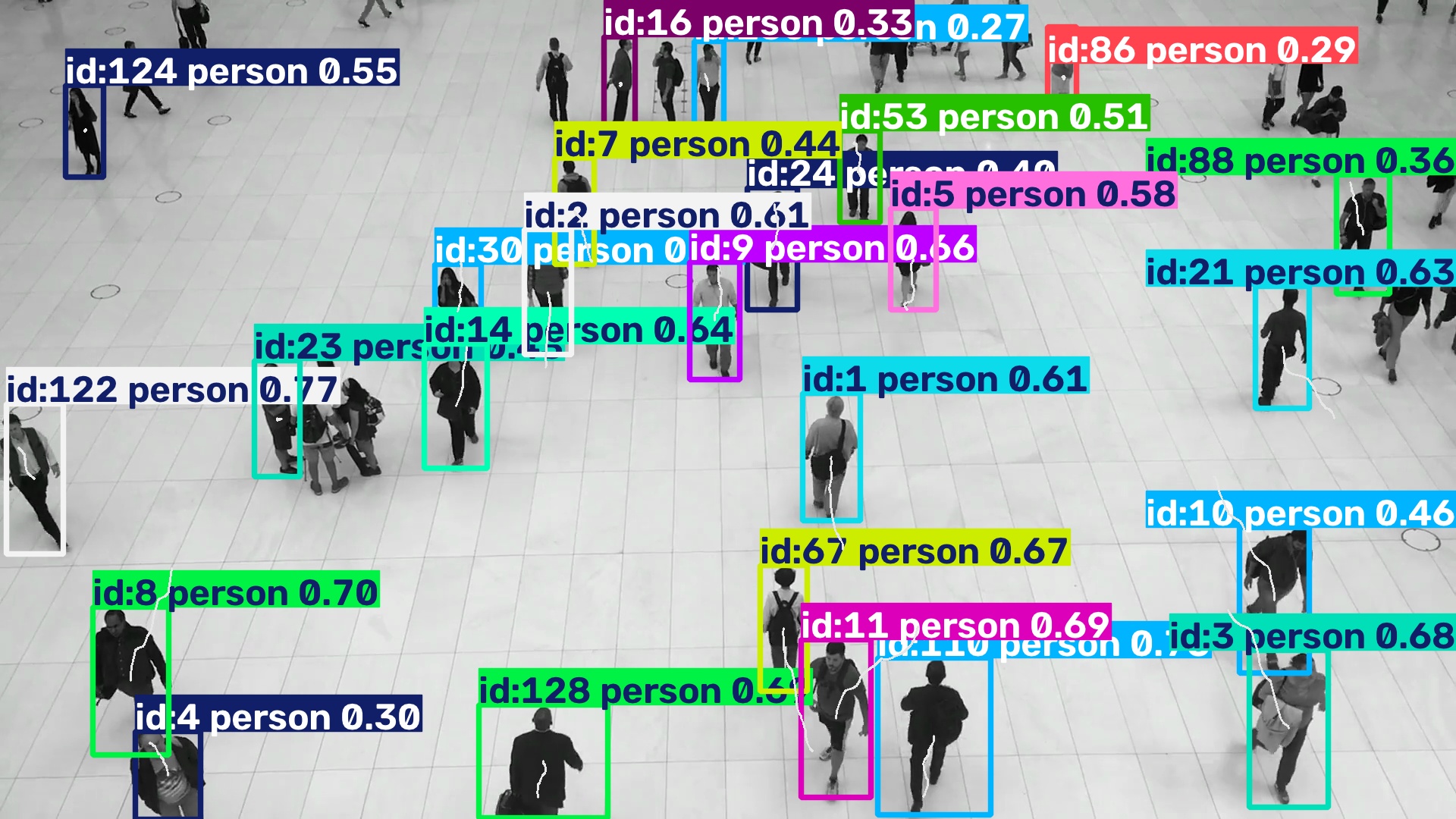
Ultralytics track mode assigns
stable IDs across frames. This pipeline makes the state explicit: the native
tracker belongs to yolo.Track(persist=True), and the application-level trace
history belongs to a custom TrackTrace operator.
Build the frame pipeline
Build the pipeline once, before opening the video. Keeping the same Track
operator instance across calls preserves native tracker state; TrackTrace
stores a short deque of centre points for every track ID and draws the paths.
from ml_pipes.core import Pipeline
from ml_pipes.standard import Select
from ml_pipes.ultralytics import yolo

pipeline = Pipeline(
    [
        yolo.Track(
            model="yolo26n.pt",
            persist=True,
            tracker="bytetrack.yaml",
            conf=0.25,
        ),
        Select(0),
        TrackTrace(length=30),
    ],
    auto_validate=True,
)
pipeline.validate()
pipeline.describe()
TrackTrace is defined in the runnable example. Like the blur step, it is a
small application operator that can be replaced or extended without changing
the native Ultralytics boundary.
Feed frames to the pipeline
Feed the decoded frames to the same pipeline instance in their original order. Do not rebuild it inside the loop: doing so would reset both tracker IDs and trace history.
import cv2

cap = cv2.VideoCapture("people-walking.mp4")
if not cap.isOpened():
    raise RuntimeError("Could not open people-walking.mp4")

while cap.isOpened():
    success, frame = cap.read()
    if not success:
        break

    annotated = pipeline(frame)
    # video_writer.write(annotated)

cap.release()
Run the example
python examples/run_track_objects.py --input people-walking.mp4 --show
python examples/run_track_objects.py --input 0 --show
See run_track_objects.py
for optional MP4 output, track length, and tracker configuration.