Blur People
Ultralytics Object Blurring is useful for privacy-preserving video and image processing. Rather than hiding the workflow in a solution class, this tutorial exposes the custom blur step as one small operator between native tracking and rendering.
| Before | After |
|---|---|
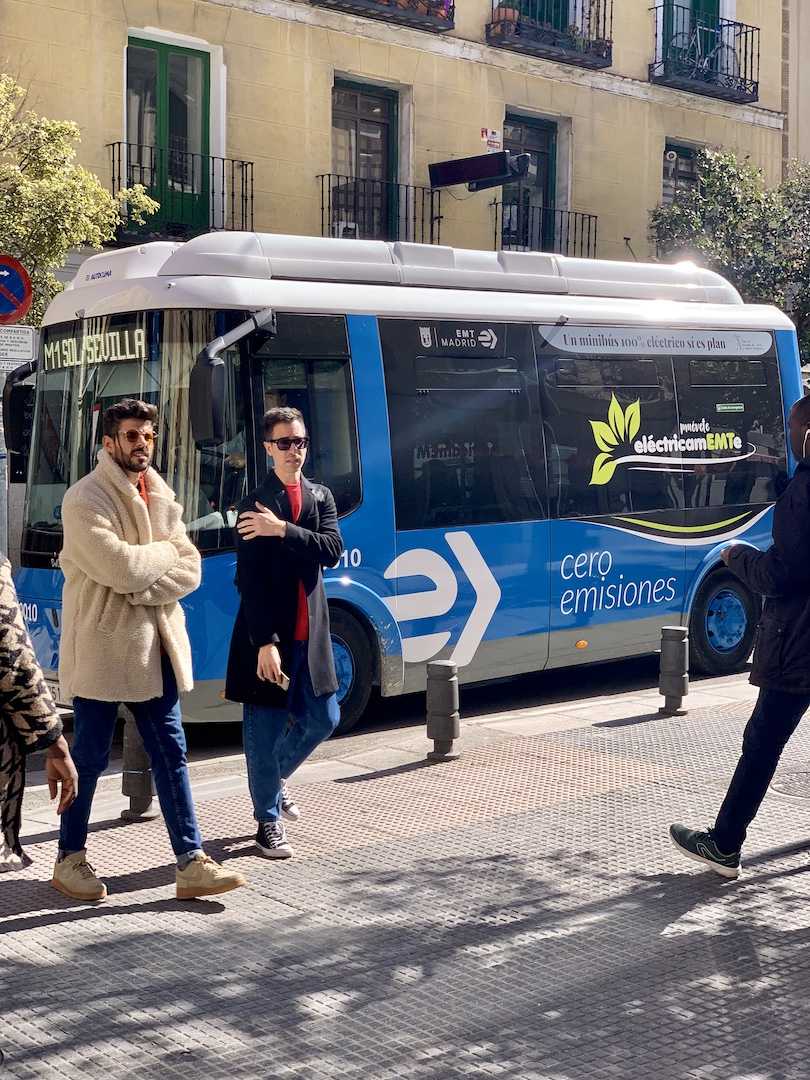 |
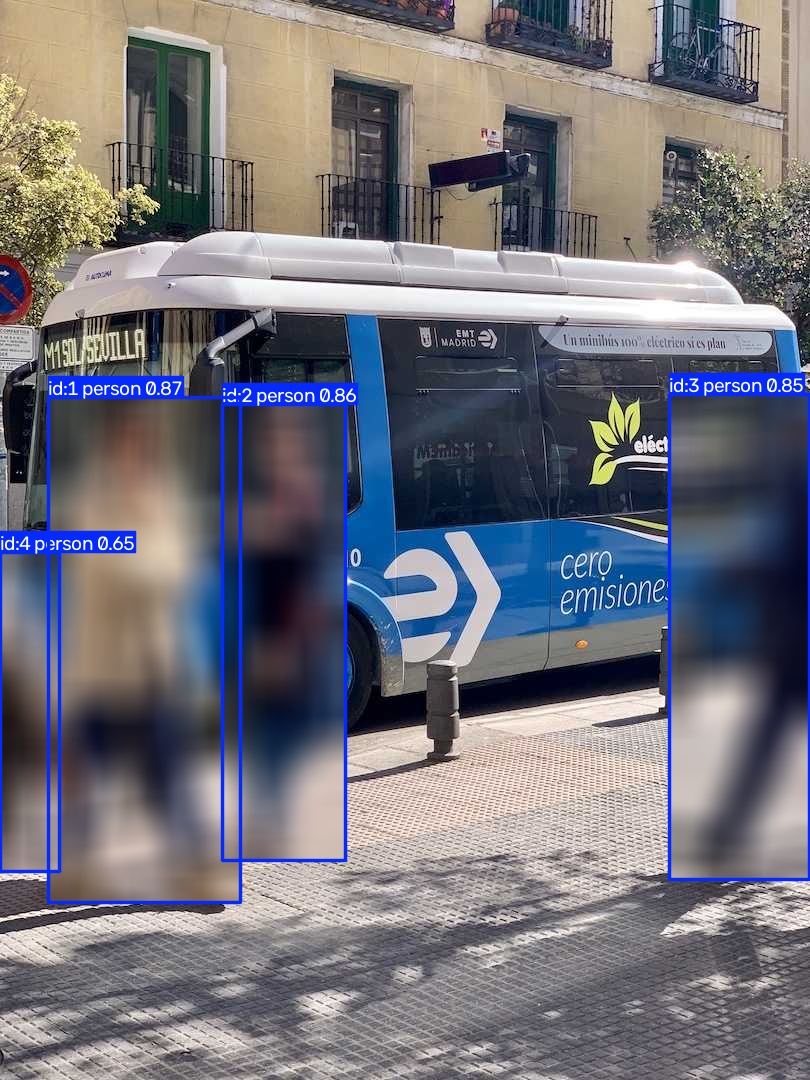 |
Build the pipeline
The default YOLO checkpoint uses COCO class 0 for person, so the tracking
operator filters all other detections before ObjectBlurrer receives the
native result. The custom operator copies results.orig_img, blurs each box,
and calls results.plot(img=image) to draw native annotations over it.
from ml_pipes.core import Pipeline
from ml_pipes.standard import Select
from ml_pipes.ultralytics import yolo

pipeline = Pipeline(
    [
        yolo.Track(
            model="yolo26n.pt",
            persist=True,
            classes=[0],  # COCO person
            tracker="botsort.yaml",
            conf=0.25,
        ),
        Select(0),
        ObjectBlurrer(blur_ratio=0.5),
    ],
    auto_validate=True,
)
ObjectBlurrer is defined in the runnable example. It is ordinary pipeline
code, so applications can replace it with another effect or add steps before
and after it.
Run it on an image
import cv2

image = cv2.imread("bus.jpg")
if image is None:
    raise RuntimeError("Could not load bus.jpg")

blurred = pipeline(image)
cv2.imwrite("blurred.jpg", blurred)
Run the example
python examples/run_object_blurrer.py
python examples/run_object_blurrer.py --source path/to/image.jpg --show
See run_object_blurrer.py
for all command-line options.