Blurring Faces
Pipeline source: examples/run_blur_faces.py
This recipe ports Supervision's Blurring Faces notebook to an ml-pipes pipeline. It uses MediaPipe's sample image, detects faces locally with MediaPipe, then blurs every detected face. No API key or hosted inference service is required.
Install dependencies
Download the sample image
MediaPipe's face-detection example uses this public image. Download it once, then load it with OpenCV.

Detect faces with MediaPipe
MediaPipe provides the local face-detection model. The example wraps it in a small MediaPipeFaceDetection operator, initializing the model once and converting its normalized boxes to Supervision Detections.
import cv2
import mediapipe as mp
import numpy as np
import numpy.typing as npt
import supervision as sv

from ml_pipes.operator import Operator


@Operator
class MediaPipeFaceDetection:
    def __init__(
        self,
        model_selection: int = 1,
        min_detection_confidence: float = 0.5,
    ) -> None:
        self.detector = mp.solutions.face_detection.FaceDetection(
            model_selection=model_selection,
            min_detection_confidence=min_detection_confidence,
        )

    def __call__(self, frame: npt.NDArray[np.uint8]) -> sv.Detections:
        result = self.detector.process(cv2.cvtColor(frame, cv2.COLOR_BGR2RGB))
        height, width = frame.shape[:2]
        boxes, confidences = [], []
        for detection in result.detections or []:
            box = detection.location_data.relative_bounding_box
            boxes.append([
                max(0, box.xmin * width),
                max(0, box.ymin * height),
                min(width, (box.xmin + box.width) * width),
                min(height, (box.ymin + box.height) * height),
            ])
            confidences.append(detection.score[0])
        return sv.Detections(
            xyxy=np.asarray(boxes, dtype=np.float32).reshape(-1, 4),
            confidence=np.asarray(confidences, dtype=np.float32),
            class_id=np.zeros(len(boxes), dtype=np.int32),
            data={"class_name": np.full(len(boxes), "face", dtype=str)},
        )
Build the blurring pipeline
The pipeline uses the standard LoadFile, Decode, and ImageToArray stages before passing the image's BGR pixels to the detector.
from ml_pipes.core import Pipeline
from ml_pipes.standard import Recall, Store
from ml_pipes.supervision import BoxAnnotator, BlurAnnotator, ImageToArray, PlotImage
from ml_pipes.vision import Decode, LoadFile

pipeline = Pipeline(
    [
        LoadFile(),
        Decode(),
        ImageToArray(),
        Store("source_frame"),
        MediaPipeFaceDetection(model_selection=1),
        Recall("source_frame", prepend=True),
        BoxAnnotator(),
        BlurAnnotator(kernel_size=100),
        PlotImage(at=0),
    ],
    auto_validate=True,
)
Store preserves the unmodified BGR frame before detection. Recall then supplies the (frame, detections) tuple expected by BoxAnnotator and BlurAnnotator.
Running the pipeline
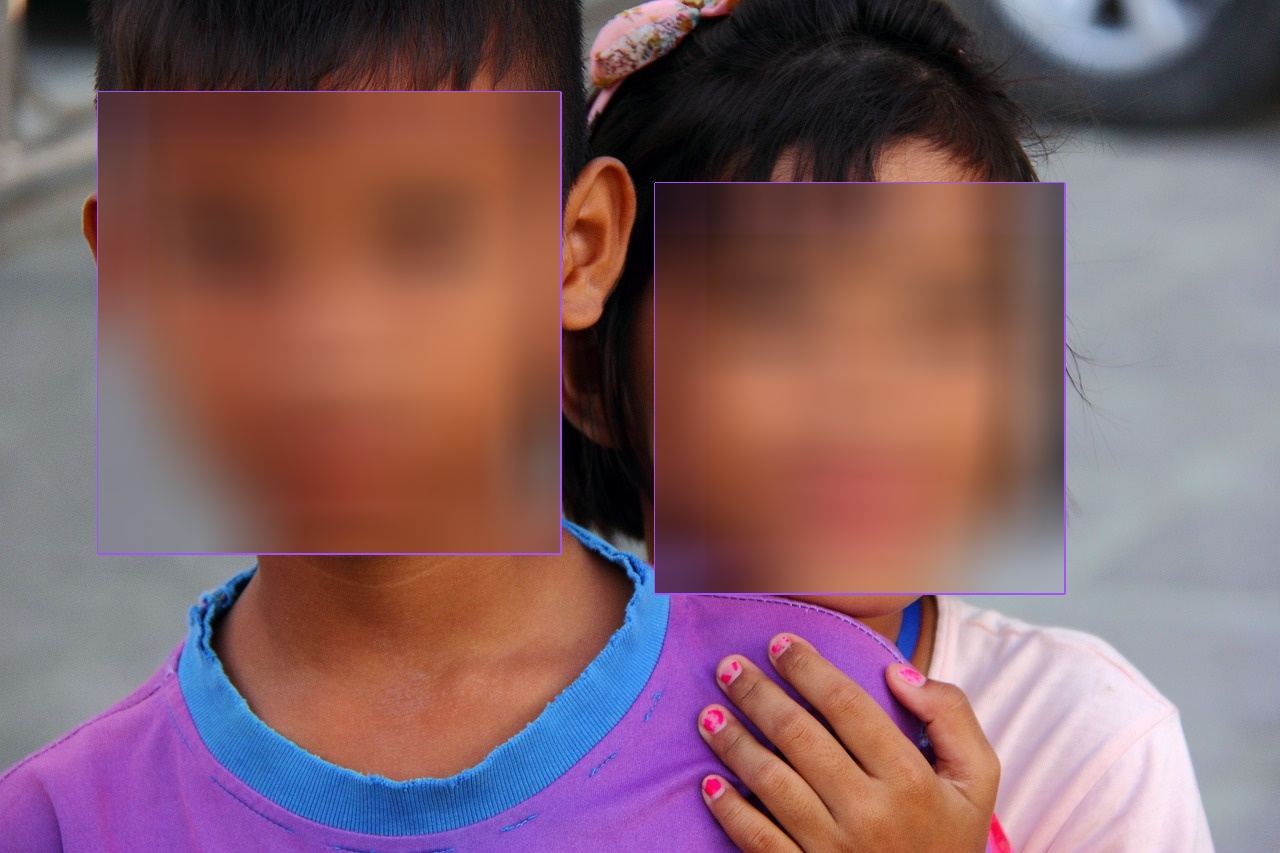
Run the pipeline on the downloaded sample image. BoxAnnotator makes the detected face class visible before BlurAnnotator obscures each detection. PlotImage(at=0) displays the final image, while the returned frame and detections remain available for downstream policy checks.
Inspect the pipeline
Use Pipeline.inspect() to capture the image, decoded payload, BGR array, face detections, and final blurred image at each operator boundary. Save the capture as an interactive HTML report.
from ml_pipes.inspection import PipelineInspector

inspection = pipeline.inspect("image.jpg")
PipelineInspector().save(inspection, "inspection.html")
The saved report lets you verify the face detections before the annotators modify the source image.
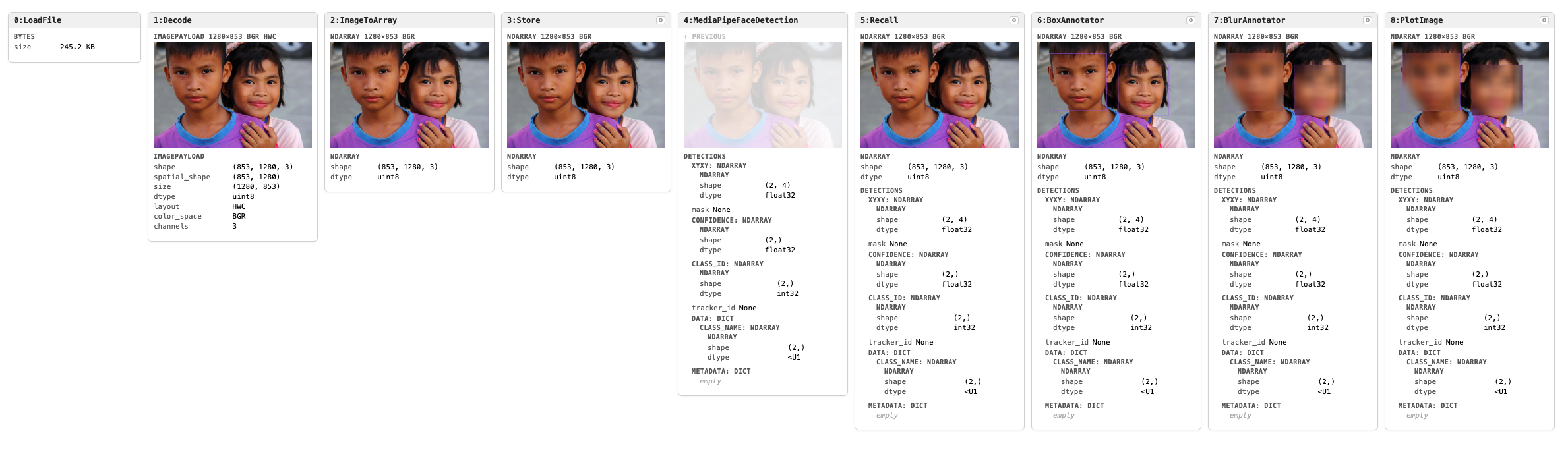
Click the image to open the interactive inspection report.
Run the example
The runnable example downloads MediaPipe's sample image and shows its inspection report:
Provide another local image with --input.